Showing posts with label Tutorial. Show all posts

How To // Achieve a Chalk Effect Using Glitz Designs

 Tutorial - How to Create a Chalk Effect in Photoshop
Photoshop Tutorial // How to Acheive a Chalk Effect Using Glitz Designs
Today, I'll be sharing a tutorial on how to quickly create chalk ornaments using Glitz Designs. In the layout below, I used the French Kiss collection (included in this week's One Buck Wednesday sale over at Jessica Sprague).

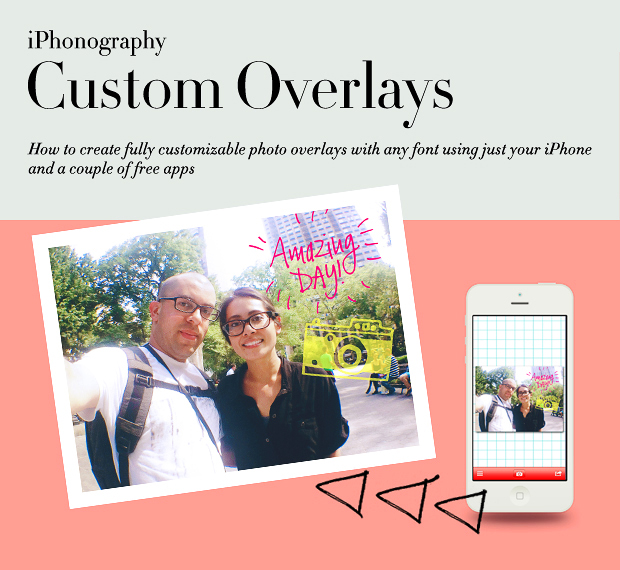
iPhonography // Custom Overlays // Tutorial

iPhonography // Custom Overlays Using iZip and Phonto // Tutorial
Happy Monday! Today, I have a post going live at the SSD blog about my travel photo flow. Such a large part of my process involves my phone, so I thought I'd share a tutorial on creating impromptu custom overlays for your photos using iZip and Phonto, both free apps (yay!).